
Create Perler Bead Art with Art
How It Works
Upload or Draw
Upload an image or start drawing on a blank canvas.
Edit & Adjust
Adjust colors, size, and details.
Export & Make
Download the pattern and start beading!
Our Stats
Browse bead patterns
Publicly shared patterns — open one to recolor, export or print
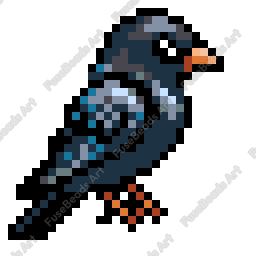
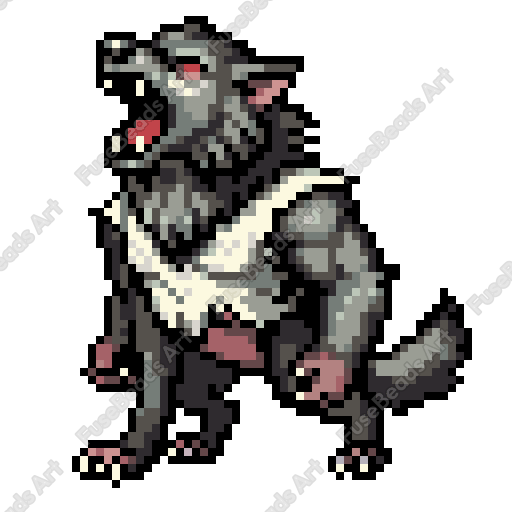
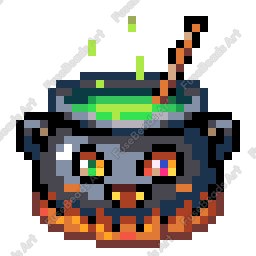
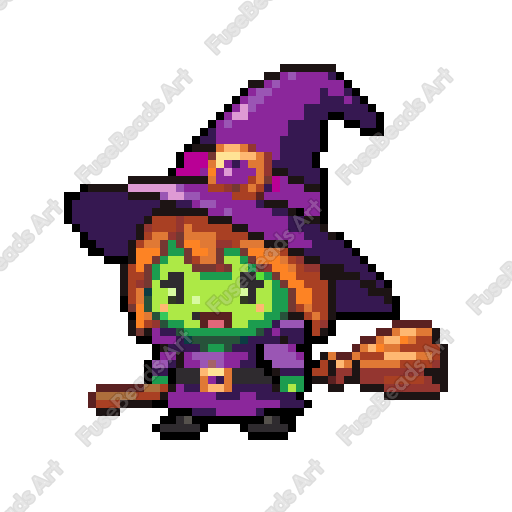
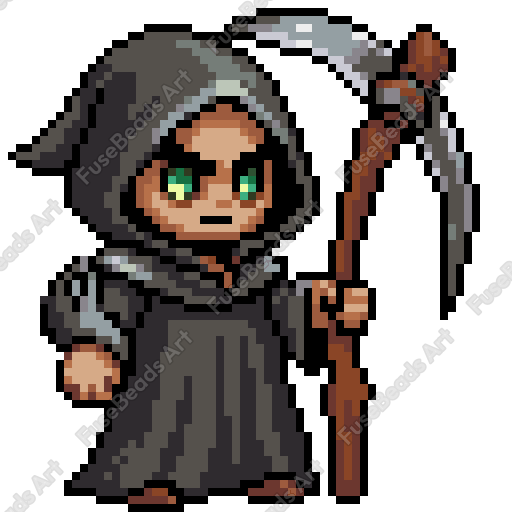
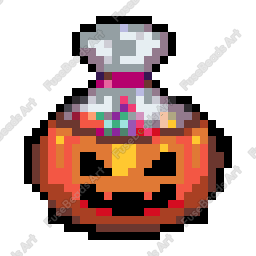
What is a perler bead pattern
A perler bead pattern is a grid with color codes: each cell maps to one peg on a pegboard and names the bead color that goes there. You place beads following the grid, cover the work with paper, and fuse it with an iron.
The pattern describes two things: where the cells sit and which color each one takes. Rows and columns set the finished size, and the legend lists every color code with the bead count for that color. That is why one pattern works with any bead brand as long as you translate the codes. Grid, codes, and counts live in the same editor and run in the browser.
What a pattern contains
- Grid and coordinates: rows × columns; 29×29 is 841 cells, the peg layout of one standard board.
- Color legend: every color with its brand code; MARD uses codes such as A1.
- Bead counts: how many beads each color needs, so you can buy them in one order.
- Size: with 5 mm standard beads each cell is 5 mm wide; with 2.6 mm mini beads it is 2.6 mm.
Choosing between the three ways to create
Drawing, image conversion, and AI generation all end in the same grid editor; only the first step differs.
| Method | Input | Best for | Follow-up work |
|---|---|---|---|
| Draw by hand | Blank grid, pick colors cell by cell | Pixel icons, lettering, small charms | Full control, but slower as the grid grows |
| Image conversion | JPG, PNG, or other images | Photos, screenshots, existing illustrations | Set the size, cut the color count, clean up edges |
| AI generation | Text prompt or reference image | When there is no image and you need a composition | Check details and codes cell by cell |
None of the three needs installed software, and the result stays editable in the browser.
Which brand color codes are supported
The palette holds 291 colors and maps them to the code systems of 9 brands; the same color has a different reference in each brand.
| Brand | Mapped codes | Example code |
|---|---|---|
| MARD | 291 | A1 |
| COCO | 291 | E02 |
| 漫漫 | 283 | E2 |
| 盼盼 | 291 | 65 |
| 咪小窝 | 283 | 77 |
| Perler | 90 | Lemon |
| Hama | 77 | H03 |
| Artkal | 118 | S14 |
| Nabbi | 30 | N13 |
The count is how many palette colors have a match in that brand, not the brand's full catalog; international brands show color names or official numbers.
From pattern to finished piece: 5 steps
These five steps follow the actual editor flow and can be reordered as needed.
- 1
Set the size
Choose rows and columns. 29×29 is 841 cells and about 14.5 cm square with 5 mm beads; go larger if you need more detail.
- 2
Pick the brand
Use the code system of a brand you can buy: MARD, COCO, Perler, Hama, and the rest are in the palette, and conversion matches the nearest color.
- 3
Build the grid
Draw, upload an image, or describe the idea to get an editable grid, then clean up edges and stray colors.
- 4
Check the counts
Add up the bead count for each code in the legend, especially large background areas, and decide whether to drop colors.
- 5
Export and assemble
Export a PNG or print the pages, place beads from one corner using the coordinates, then fuse the piece with paper and an iron.
Grid size, cell count, and finished dimensions
Finished size is the cell count times the peg pitch; the table converts with 5 mm standard beads and 2.6 mm mini beads.
| Grid | Cells | Finished (5 mm) | Finished (2.6 mm) |
|---|---|---|---|
| 52×52 | 2,704 | 26.0 cm | 13.5 cm |
| 29×29 | 841 | 14.5 cm | 7.5 cm |
| 64×64 | 4,096 | 32.0 cm | 16.6 cm |
| 104×104 | 10,816 | 52.0 cm | 27.0 cm |
The cell count is the upper bound (rows × columns); empty cells come off. Fused pieces shrink slightly, so leave one or two empty cells at the edge.
Four common beginner mistakes
- Too many colors: past 20 colors on a 29×29, buying and sorting beads takes longer than the assembly.
- Ignoring empty cells: a blank background is not white beads; check which cells stay empty before exporting.
- Buying by screen color: monitors and real beads differ; order by code, not by eye.
- Not splitting large designs: anything bigger than one board needs paged export, or the printed coordinates will not line up.
Frequently Asked Questions
What is a perler bead pattern?
A perler bead pattern is a grid design that shows which bead colors to place on each peg of a pegboard. FuseBeads Art is an online editor where you can draw these patterns, convert images into them, and share them with the community.
How do I convert a photo into a bead pattern?
Upload an image and our pixel-art conversion algorithms automatically turn it into a bead pattern, matching the colors to real perler bead colors. You can then fine-tune the colors, size, and details in the canvas editor.
Is the editor free? What can I do without paying?
The canvas editor is free for everyone — draw patterns with the brush, eraser, and color tools, convert images into patterns, and export pattern images. Free accounts include a starter cloud storage allowance for saving your patterns; Pro or Sponsor membership unlocks larger canvas sizes, more storage, and watermark-free exports.
How do I share my patterns?
Publish patterns to the community gallery for everyone to browse, like, and favorite, or share them privately — link-only patterns stay out of the gallery and can only be opened by people who have the link.
How many beads does a pattern need?
The count equals every non-empty cell. A full 29×29 pattern is 841 beads, 52×52 is 2704, and 64×64 is 4096; real patterns leave gaps, so add up the per-color counts in the legend for the exact total. Buy about 10% extra for replacements and losses during fusing.
What pattern size should I choose?
Start from where the piece will live: 29×29 (841 cells) suits coasters, keychains, and a single character; 52×52 (2704) suits display pieces and medium illustrations; 64×64 (4096) and up suits wall art. At 5 mm per cell, a 64×64 piece is about 32 cm square and needs several pegboards joined together.
How do color codes map between brands?
The palette maps 291 colors to 9 brands at once; each color has a number or name in MARD, COCO, 漫漫, 盼盼, 咪小窝, Perler, Hama, Artkal, and Nabbi. To switch brands, follow the legend — the pattern stays the same. If a brand lacks a color, the editor takes the nearest match.
What should I watch when printing?
Print at 100% with page scaling off; otherwise the cells change size and the coordinates stop matching. Designs larger than A4 use paged export and are joined by page number. Keep the legend and row/column coordinates on the sheet — they still work in black and white. Free exports carry a watermark; Pro removes it and enables A4 paged printing.